


.svg)



We are living through a crisis of attention.
For the modern sales team, the workday has become a fragmented mess of browser tabs. You have Gmail open for communication, Zoom for meetings, LinkedIn for prospecting, and Slack for internal chaos. And sitting in the middle of it all, demanding your attention like a hungry toddler, is Salesforce.
The problem isn't the CRM itself. Salesforce is the system of record; it is the source of truth. The problem is the friction required to keep it updated.
Every time a rep has to leave a conversation in a Slack channel to log into Sales Cloud, navigate to an Opportunity, click "Edit," change a stage, and hit "Save," you are witnessing revenue leakage. You are witnessing a break in flow.
We call this the "Context Switching Tax." It’s the silent killer of team productivity.
The solution isn't to force reps to log more data; it’s to bring the data to where the reps already live: the Slack workspace.
If you are looking to streamline your sales processes, improve data hygiene, and stop the constant nagging for CRM updates, you need a dedicated Slack-to-Salesforce integration. But not all apps are created equal. Some are just notification bots; others are full-blown operating systems for your revenue motion.
Here is the strategic buyer’s guide to the 7 best apps to push CRM updates without ever leaving Slack.
The Criteria: What Makes a "High-Velocity" Integration?
Before we dive into the list, we need to define the standard. We aren't looking for a basic Zapier trigger that sends a message when a deal closes. That is 2015 technology.
To truly optimize your sales pipeline and close deals faster, a tool must meet these business needs:
- Bi-directional Sync: It’s not enough to see CRM data in Slack. You must be able to edit fields, change dates, and log notes that sync back to the CRM in real-time.
- Contextual Awareness: The app should know when to bug you. Real-time alerts should be triggered by milestones or stalled deals, not just random noise.
- Low-Friction UI: If it takes more than two clicks to update a Salesforce record, it’s too slow.
- Workflow Automation: It needs to automate the "unsexy work"—the task assignments, the follow-ups, and the permissions management.
With that framework in mind, here are the top players in the ecosystem.
1. Momentum
::autoboxgrid2
[LEFT]
Best for: Enterprise Deal Rooms, AI-powered workflows, and Revenue Automation.
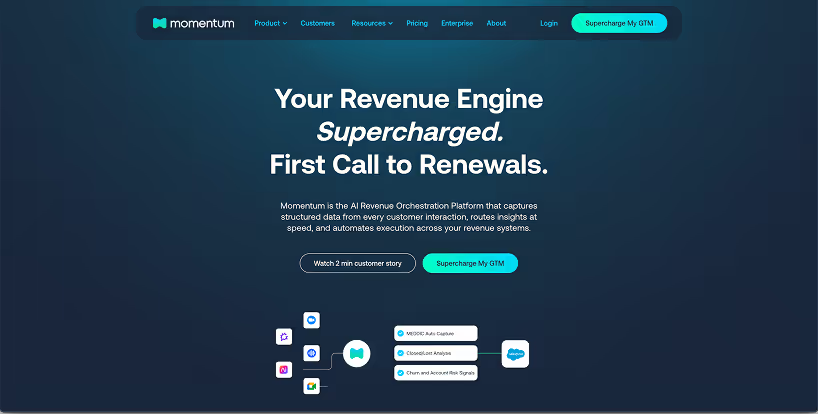
Momentum isn't just a "bridge" between Slack and Salesforce; it is the connective tissue of your entire Go-to-Market organization. While many tools focus on individual rep efficiency, Momentum focuses on team collaboration and deal velocity.
The core philosophy here is that selling is a team sport. When a deal reaches a critical stage, you don't just need to update a field; you need to rally the troops.
[RIGHT]
Key Functionality:
- Deal Rooms: Momentum automatically spins up private Slack channels (Deal Rooms) for high-value opportunities, inviting the AE, SE, Manager, and Exec Sponsor automatically.
- AI Signals & Summaries: Momentum captures call summaries and emails, extracts the critical data, and updates Salesforce fields automatically. It essentially "fills out the CRM" for you.
- Smart Cues: Instead of generic notifications, Momentum sends actionable "Smart Cues." For example, if a deal’s close date is in the past, it pings the rep with a button to update it instantly.
- Approvals: It handles complex approval workflows (like discounting) directly inside Slack messages, eliminating the need for email chains.
::endautoboxgrid2
The Verdict:
If you want to move from "logging data" to "automating the motion," Momentum is the strategic choice. It transforms Slack from a chat app into a command center where sales teams actually close deals.
2. Rattle
::autoboxgrid2
[LEFT]
Best for: Custom alert building and real-time hygiene.
Rattle has gained significant traction (especially after the sunsetting of Troops.ai) by offering a highly flexible "recipe" builder. It allows RevOps teams to build "if this, then that" workflows specifically for Salesforce.
[RIGHT]
Key Functionality:
- Bi-Directional Alerts: You can configure real-time notifications for almost any Salesforce event. When a lead turns "Hot," Rattle pings the rep. The rep can click a button in the alert to convert the lead immediately.
- Deal Reviews: Rattle allows managers to pull up pipeline views in Slack to run forecast calls without opening dashboards.
- No-Code Builder: The backend allows ops teams to design processes without needing a developer.
::endautoboxgrid2
The Verdict:
Rattle is a strong contender if your primary goal is customizable alerts and enforcing data hygiene through real-time updates.
3. Scratchpad
::autoboxgrid2
[LEFT]
Best for: Speed, spreadsheets lovers, and individual productivity.
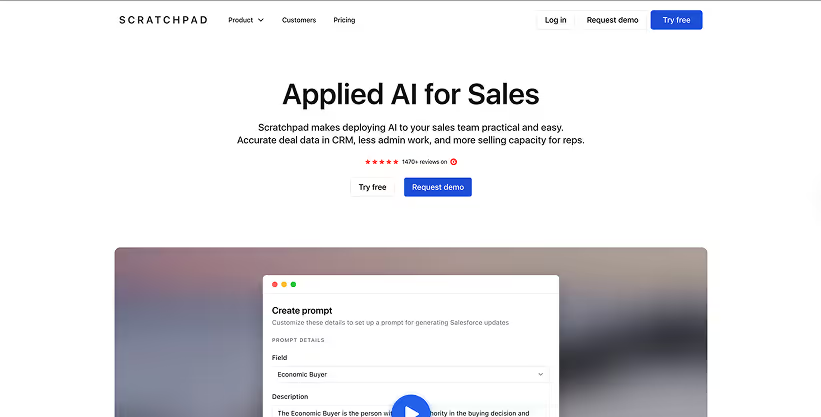
Scratchpad became famous not for its Slack app initially, but for its browser extension that turns Salesforce into a fast, spreadsheet-like grid. However, their Slack integration works hand-in-hand with this view to ensure data never goes stale.
[RIGHT]
Key Functionality:
- Slash Commands: Reps can type /scratchpad to bring up a search bar, find any opportunity, and edit fields instantly.
- Daily Digest: It sends a morning briefing of deals that need attention (e.g., expired close dates, missing next steps).
- Instant Notes: It excels at capturing customer data and notes on the fly, syncing them back to the opportunity record.
::endautoboxgrid2
The Verdict:
If your AEs love Excel and hate the Salesforce UI, Scratchpad is the best interface overhaul. It treats CRM platforms like a database but gives reps a UI they actually enjoy.
4. Slack Sales Elevate (Salesforce Native)
::autoboxgrid2
[LEFT]
Best for: Teams who want an official, native Sales Cloud experience.
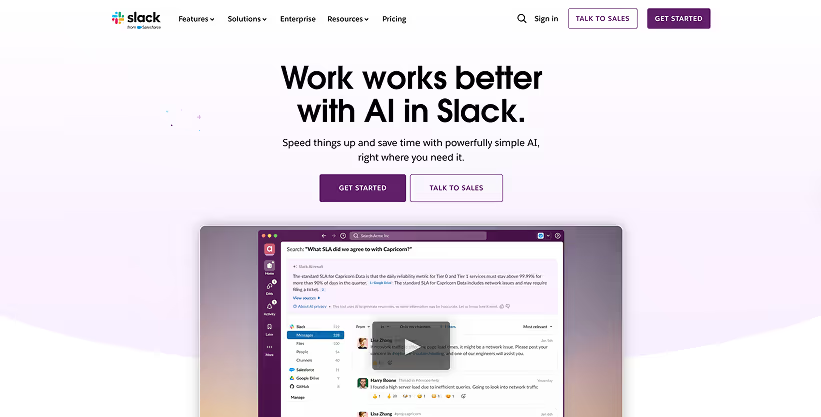
Sales Elevate is Salesforce’s official premium offering. It represents the giant’s attempt to natively integrate the acquisition of Slack into the core sales processes. It provides a "Sales Home" view directly within the Slack sidebar.
[RIGHT]
Key Functionality:
- Sales Home: A dedicated tab in Slack that visualizes your metrics, KPIs, and open opportunities.
- Inline Editing: similar to Scratchpad, it allows for spreadsheet-style editing of opportunities within the Slack window.
- Team Performance: Managers can see dashboards of team activity directly in the workspace.
::endautoboxgrid2
The Verdict:
It is a solid, stable choice if you want to stay strictly within the Salesforce ecosystem without third-party vendors. However, it often lacks the nimble, AI-powered customization of nimble competitors like Momentum.
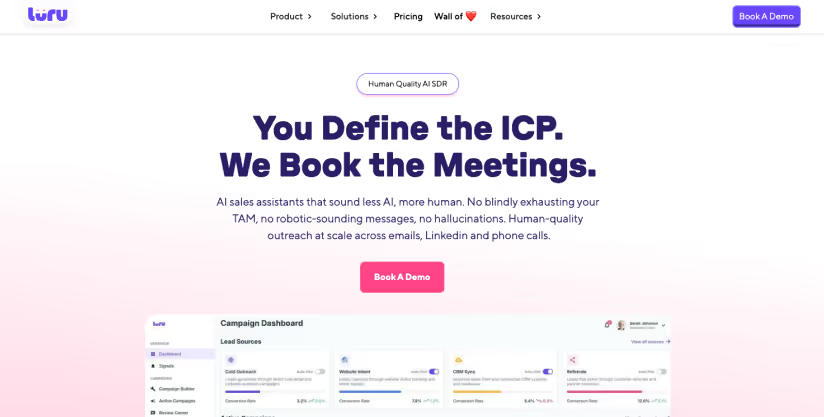
6. Luru
::autoboxgrid2
[LEFT]
Best for: Meeting-centric workflows and Zoom heavy teams.
Luru takes a "calendar-first" approach. It assumes that the most critical time to update the CRM is immediately after a meeting.
[RIGHT]
Key Functionality:
- Meeting Workflows: Luru integrates with Google Calendar and Zoom. The moment a meeting ends, it sends a real-time alert to Slack asking, "How did it go?"
- One-Click Updates: The notification includes fields for "Next Steps," "Stage," and "Outcome." The rep fills it out in the Slack thread, and it’s done.
- Follow-ups: It creates tasks based on the meeting outcome automatically.
::endautoboxgrid2
The Verdict:
Luru is excellent for enforcing "just-in-time" data entry. It reduces the onboarding friction for new reps because the app guides them on what to do after every call.
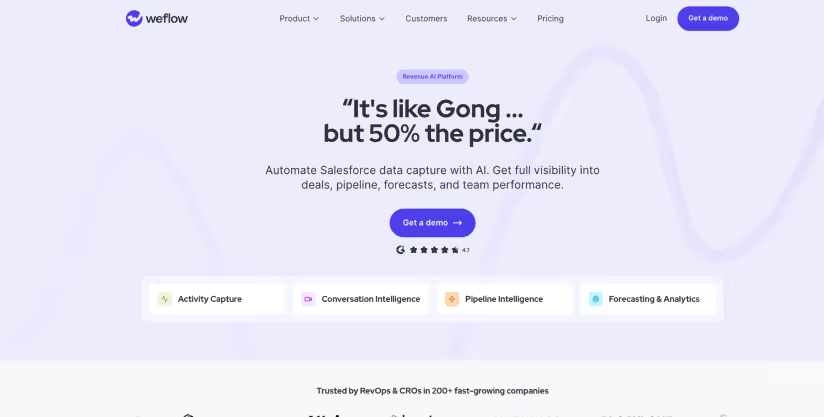
7. Weflow
::autoboxgrid2
[LEFT]
Best for: Forecasting accuracy and pipeline visibility.
Weflow is a newer entrant that competes on design and forecasting capabilities. It integrates tightly with Slack channels to ensure that the data feeding the forecast is accurate.
[RIGHT]
Key Functionality:
- Signals: Similar to other tools, it detects changes in the sales pipeline and alerts the team.
- Scorecards: It allows you to implement qualification frameworks (like MEDDIC) directly inside Slack. Reps can update the scorecards via real-time prompts.
- Pipeline Views: It offers a Kanban board view of deals directly accessible via Slack links.
::endautoboxgrid2
The Verdict:
A strong choice for RevOps leaders focused specifically on forecast accuracy and deal qualification methodology.
Comparison: Which Tool Fits Your Tech Stack?
To help you decide, we’ve broken down the functionality based on typical user profiles.
::autotable
::columns=4
App
Best For
Standout Feature
Integration Focus
Momentum
Enterprise & Automation
Deal Rooms & AI-driven signals
Deep collaboration & Process
Rattle
Custom Alerts
"Recipe" builder
Bi-directional hygiene
Scratchpad
Speed
Grid View / Slash Commands
Individual Rep Productivity
Sales Elevate
Native Users
Sales Home Tab
Official Salesforce UI
Weflow
Forecasters
MEDDIC Scorecards
Forecast Accuracy
::endautotable
The Strategic Shift: From "Monolithic" to "Composable"
Why is there such a rush to adopt these tools?
In the past, companies tried to force their sales teams to live inside CRM platforms like Salesforce, HubSpot, or Pipedrive. These platforms are "monolithic"—they try to do everything (email, reporting, data entry) but often result in clunky, slow experiences.
The modern "RevLogic" approach is different. It is composable.
In a composable architecture, you use the CRM as the database, but you use Slack as the interface. You layer tools like Asana for project management, Outreach for sequencing, and Google Drive for assets—but you tie them all together with a workflow engine.
This is where Momentum shines. It acts as the orchestration layer.
- It sees a contract is sent (via DocuSign integration).
- It notifies the #deal-room in Slack.
- It updates the Salesforce record to "Negotiation."
- It assigns a task to the Legal team in Asana.
This isn't just "updating the CRM." This is workflow automation that drives revenue.
Don't Let Your Tech Stack Leak Revenue
Using Slack merely for chat is a waste of its potential. When you integrate your sales pipeline directly into your team collaboration hub, you remove the friction that kills deals.
You stop nagging your team members for updates. You stop wondering if the metrics in your dashboard are accurate. You start operating in real-time.
Whether you are using HubSpot, Salesforce, or looking to streamline a complex enterprise motion, the goal is the same: eliminate the "unsexy work" of data entry so your team can focus on the human brilliance of selling.
Seamless integration is no longer a luxury; it is a requirement for high-performing teams.
[blue-section]
Ready to Automate Your Revenue Motion?
Stop chasing your reps for updates and start building a workflow that works for you. Momentum transforms your Slack workspace into an AI-powered Deal Room engine, capturing data, syncing calls, and moving deals forward automatically.
See Momentum in Action. Request a Demo Today.
[/blue-section]